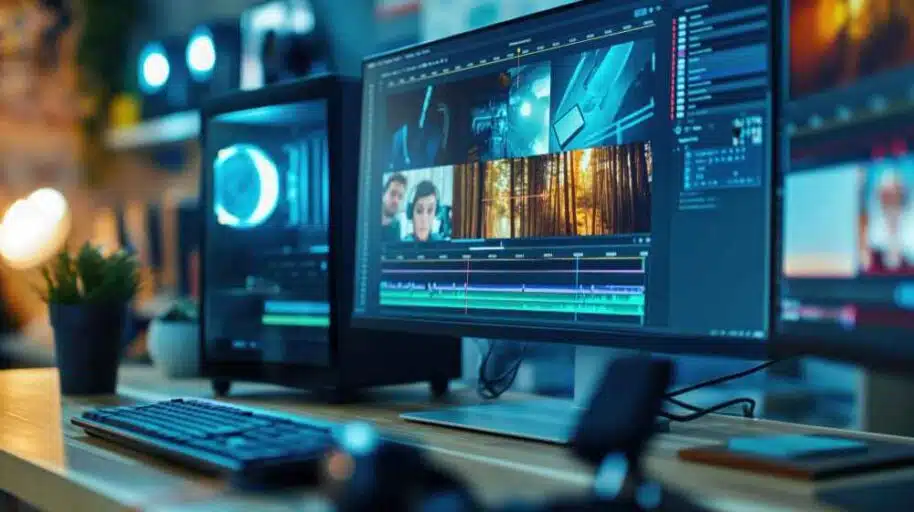
Creating a vlog is more than recording your daily life. The real magic lies in how you edit your footage and convert simple clips into a meaningful visual experience. Mastering Vlog Editing Techniques: Transform Raw Footage Into Cinematic Storytelling can transform ordinary moments into compelling stories that keep viewers watching until the end. Editing allows you to choose what matters, remove distractions, and highlight emotions.
Strong editing gives structure to random clips. It shapes your video into a story that flows naturally and keeps your audience engaged. Whether you are just starting out or want to take your vlogs to the next level, the way you edit determines how cinematic and professional your final video will feel.
Plan Your Story Before Editing
The most important step of Vlog Editing Techniques: Transform Raw Footage Into Cinematic Storytelling happens before you even open the editing software. Think about the story you want your vlog to show. Your vlog should always have a beginning, middle, and end.
Start by visualizing the key moment of your day. The event or highlight should become the center of your vlog. Once you know the focus, it becomes easier to decide what clips to keep and what to remove. Story planning prevents your vlog from feeling random or disconnected.
Many successful vloggers plan their videos in three stages: introduction, build-up, and payoff. This simple structure keeps the audience engaged and makes them feel like they are experiencing something with you, rather than just watching clips.
Select Only the Best Footage
Raw footage always looks messy. You might record a lot more than what will be used in the final video. One of the strongest vlog editing techniques is learning to eliminate. Remove clips that repeat, drag too long, or don’t add value to the story.
When reviewing clips, ask one question: Does this support the narrative? If the answer is no, delete it.
The goal is not to use everything you record. The goal is to choose the best parts that push the story forward. Selecting fewer clips but stronger ones improves pacing and keeps the viewer interested from start to finish.
Organize Clips on Your Timeline
After selecting your clips, arrange them in the correct order. This is where Vlog Editing Techniques: Transform Raw Footage Into Cinematic Storytelling becomes visible. Your timeline should feel like a smooth journey, not a collection of random shots.
Begin with wide establishing shots that set the scene. Then move to medium and close shots to build emotion. Switching between angles keeps the viewer visually stimulated and prevents monotony. This structure naturally guides the viewer’s attention and holds interest throughout the vlog.
Use Music to Drive Emotion
Music plays a powerful role in cinematic storytelling. It influences how the viewer feels and interprets the visuals. When applying Vlog Editing Techniques: Transform Raw Footage Into Cinematic Storytelling, always choose music that matches the mood of the scene.
For example, use energetic music for adventure or travel vlogs. Use soft, calm music for emotional, aesthetic, or reflective moments. Matching the rhythm of the music with your cuts improves pacing and makes transitions feel smoother.
Syncing clips to beats makes your vlog feel intentional and cinematic. When a transition aligns with the beat, the audience feels the moment more strongly.
For copyright-free audio, you can safely use YouTube’s Audio Library (external link).
Add Captions and On-Screen Text
On-screen text can enhance your vlog by guiding viewers, emphasizing key moments, and making dialogue or narration more understandable. Many viewers watch vlogs without sound, especially on social media platforms. Captions increase engagement and watch time.
When using Vlog Editing Techniques: Transform Raw Footage Into Cinematic Storytelling, add text sparingly. Keep it short, clear, and readable. Use text to label locations or highlight important thoughts, but avoid long sentences.
Captions are most effective when they support the video, not distract from it.
Use Clean Transitions
Transitions connect one shot to another. However, too many transitions can make a vlog feel confusing or unprofessional. A cinematic vlog uses transitions only when they support the story.
Jump cuts are suitable for talking segments. Match cuts work well for movement-based transitions. Speed ramping works great in travel sequences. Cross dissolves help with emotional or slow-paced storytelling.
The best vlog editing techniques use simple and clean transitions. A transition should never take attention away from the story.
Stabilize Your Footage
Cinematic vlogs have smooth footage. If your shots shake or move abruptly, they can distract the viewer. Use the built-in stabilization tools available in most editing applications. Stabilizing footage creates a more professional look and allows viewers to focus on the story rather than camera movement.
When filming, hold the camera steady for a few seconds before and after each shot. This gives you more flexibility during editing and allows smoother transitions.
Improve Visuals Through Color Grading
Color grading adds emotion to your vlog. Warm tones create cozy, emotional, or travel vibes. Cool tones work well for modern, tech-focused, or cinematic environments.
Using color grading effectively helps your vlog stand out and gives your content a signature look. Consistency in color grading builds recognition and strengthens storytelling.
Color can communicate mood without words. This is why color grading is one of the strongest Vlog Editing Techniques: Transform Raw Footage Into Cinematic Storytelling.
Add Sound Effects and Ambient Audio
Ambient audio makes the viewer feel present in the scene. Natural background sounds such as city traffic, waves crashing, keyboard typing, or footsteps increase realism and immersion.
Sound effects highlight key actions and strengthen visual pacing. They make transitions feel more natural and connect scenes better. Audio adds depth to the story, enhancing the viewing experience.
✅ Conclusion
Mastering vlog editing techniques is the difference between average content and a cinematic storytelling experience that keeps viewers hooked. Editing isn’t just cutting unwanted clips — it’s shaping a story, setting the mood, balancing pacing, and guiding the viewer’s emotions. When you organize your timeline, refine transitions, enhance audio, and use color grading to your advantage, your vlog instantly feels more professional and engaging.
FAQs
1. What are vlog editing techniques for beginners?
Vlog editing techniques for beginners include cutting unnecessary footage, adding simple transitions, and maintaining clear and balanced audio.
2. Which software is best for mastering vlog editing techniques?
Vlog editing techniques can be practiced using software like Adobe Premiere Pro, Final Cut Pro, or free tools like DaVinci Resolve.
3. How do vlog editing techniques improve storytelling?
Strong vlog editing techniques help shape the narrative by pacing scenes, choosing the right clips, and enhancing emotional engagement.
4. Can vlog editing techniques make simple footage look cinematic?
Yes, with vlog editing techniques like color grading and adding the right music, even basic clips can feel cinematic.
5. What is the most important rule in vlog editing techniques?
The most important rule in vlog editing techniques is to keep the story flowing naturally — every clip should have a reason to be there.